A growing number of customers now ask about app quality in the same breath as capacity and price when choosing a new split system — understandably, since the app is what you'll actually touch every day, long after the installation is finished. The trouble is that manufacturer marketing tends to describe every app as "smart" and "intuitive," which isn't much help when you're trying to decide between brands. This article sticks to what's genuinely documented and verifiable about each brand's current app, not marketing copy.
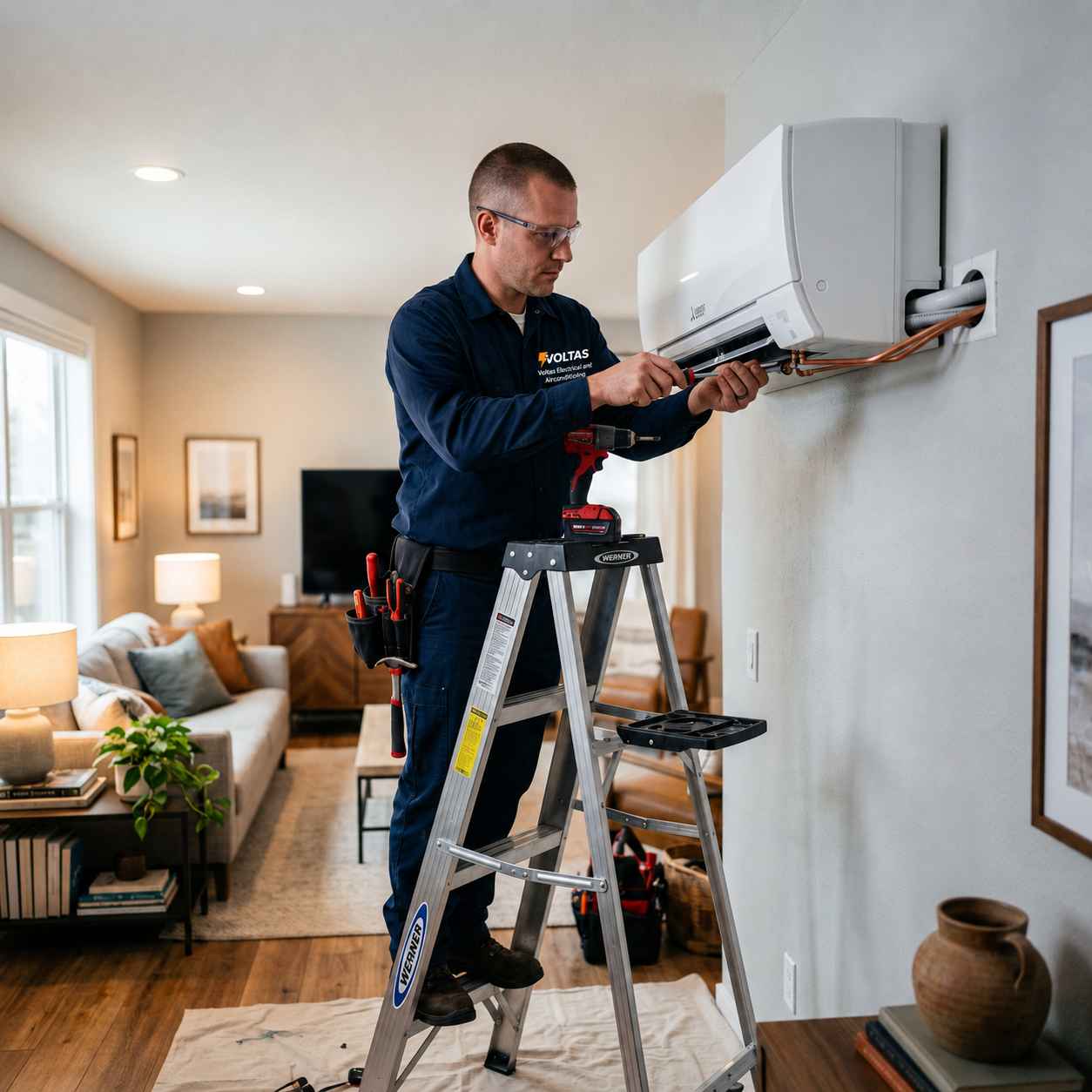
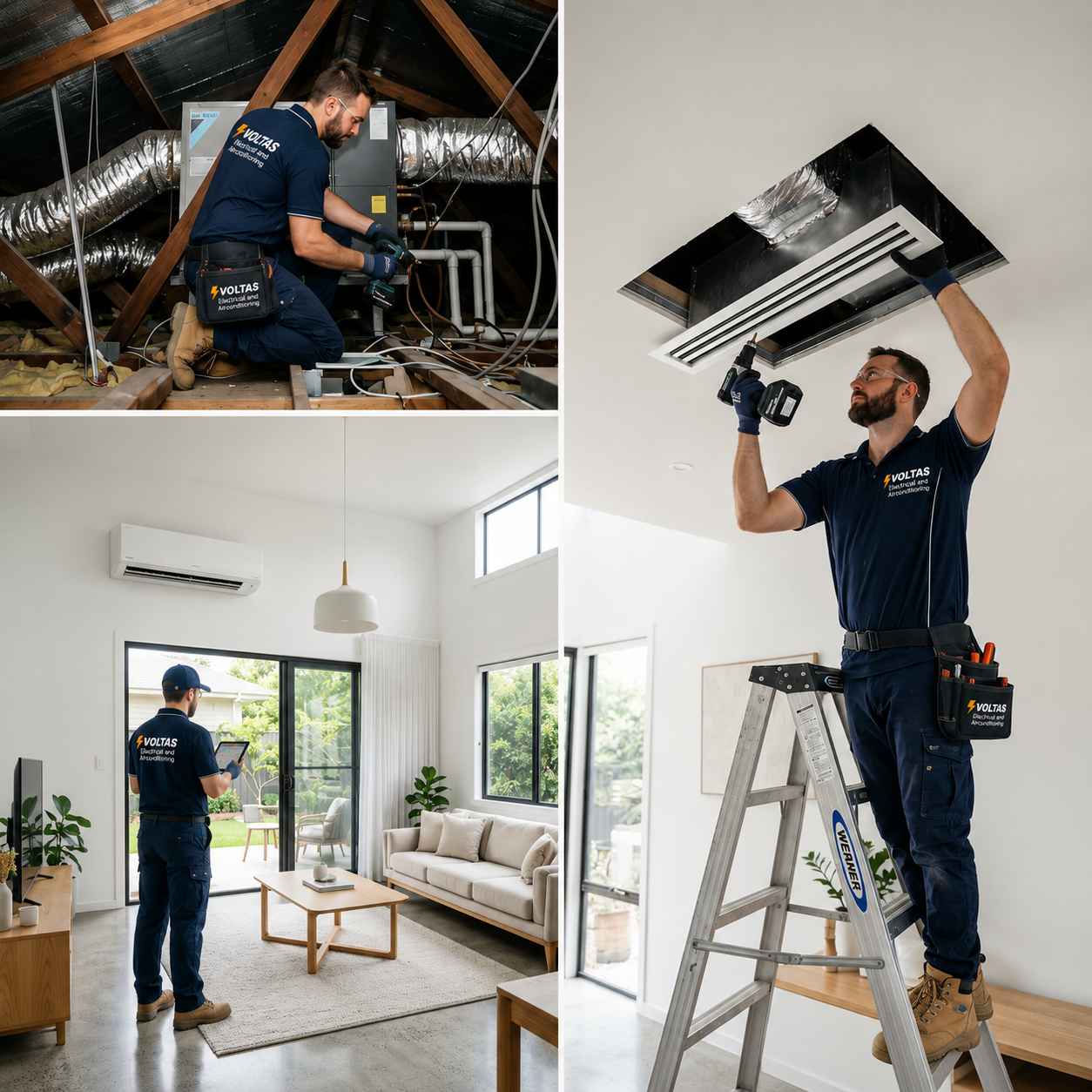
Voltas Electrical & Airconditioning installs and services split systems from Daikin, Mitsubishi Electric, Mitsubishi Heavy Industries, Fujitsu General, Panasonic, LG, and every other major brand across Adelaide, under licence AU 61210 for air conditioning work — so this comparison is written from genuine field experience with all three ecosystems, not a single brand's press kit.
Daikin Onecta: The Most Complete Smart-Home Integration
Daikin's current control app, Onecta, is generally the most fully-featured of the major brands. It includes native support for Apple HomeKit, Amazon Alexa, and Google Home, an Apple Watch companion widget, geofencing (so the system can respond automatically as your phone leaves or approaches home), weekly scheduling with multiple events per day, and historical energy monitoring that can track kWh usage over an extended period. Reviewers and users consistently rate Onecta as the more polished and reliable of the major apps, which matters in practice — a laggy or crash-prone app undermines the whole point of smart control.
Mitsubishi Electric MELCloud: Solid but Less Polished
Mitsubishi Electric's MELCloud app delivers the fundamentals well: remote on/off and mode control, flexible weekly scheduling, and basic energy monitoring. It doesn't currently offer Apple HomeKit integration, and users commonly describe its interface as functional rather than refined, with a steeper learning curve than Daikin's app for first-time users. For someone who just wants reliable remote control and scheduling without needing smart-home ecosystem integration, MELCloud does the job; for someone who specifically wants HomeKit or Alexa routines built around their air conditioner, it's currently a gap.
Choosing between brands and want the real story on app quality and reliability, not just the spec sheet? Ask our team when you book your obligation-free quote.
Get a Same-Day QuoteFujitsu General FGLair: A Solid, Straightforward Option
Fujitsu General's app, FGLair, covers the core remote-control basics reliably: temperature, mode, and fan speed adjustment, two weekly timer schedules per unit, and the ability to monitor and control multiple indoor units (up to 24) from a single registered account, with individual room temperature visibility for each. It requires a stable 2.4GHz WiFi connection and an email registration to set up. FGLair doesn't currently offer the same depth of smart-home ecosystem integration or historical energy tracking as Daikin's Onecta, but for households that mainly want dependable remote scheduling across multiple rooms, it's a straightforward, no-fuss option.
What Actually Matters When You're Choosing on App Quality
If app quality is a genuine factor in your decision, focus on these rather than marketing buzzwords:
- Geofencing — automatic control based on your phone's location, currently a Daikin Onecta strength.
- Smart-home ecosystem support — Apple HomeKit, Alexa, or Google Home integration, if you already use one of those systems at home.
- Energy tracking depth — whether the app shows genuinely useful historical usage data, or just a same-day snapshot.
- WiFi reliability — every brand's app depends entirely on a stable 2.4GHz connection at the indoor unit's actual location, which matters more in practice than any feature list. A unit installed in a plant room or a far corner of the house with weak signal will feel "unreliable" regardless of which brand's app is controlling it.
If your remote or app is losing connection intermittently, that's often a WiFi placement issue rather than a fault with the unit itself — see our guide on air conditioning remote control problems in Adelaide for troubleshooting steps. If you're planning a whole-home smart control setup rather than a single unit, our article on smart home air conditioning integration goes into more depth on tying multiple systems together.
Don't Choose on App Alone
App quality is a genuinely useful tie-breaker between comparable systems, but it shouldn't outweigh the fundamentals — correct sizing, efficiency rating, noise level, and installation quality all matter more to day-to-day comfort and running cost than which app you tap each morning. Our broader guide on how to choose an air conditioner brand in Adelaide covers the full picture, and our AC service and repair team can talk you through which brands genuinely suit your home before you commit to one based on its app alone.
Frequently Asked Questions
Which air conditioner brand has the best smartphone app?
Daikin's Onecta app is generally regarded as the most polished and feature-complete of the major brands, with native Apple HomeKit, Alexa and Google Home support, geofencing, and up to 365 days of historical energy monitoring. Mitsubishi Electric's MELCloud app is functional and reliable for remote control and scheduling but has a steeper learning curve and lacks Apple HomeKit support, while Fujitsu General's FGLair app covers the core remote control, scheduling and multi-unit basics well without matching Daikin's smart-home depth.
What is geofencing on an air conditioner app and which brands support it?
Geofencing lets the app automatically turn your air conditioner on or off based on your phone's location relative to home, so the system can start cooling shortly before you arrive without you remembering to trigger it manually. Daikin's Onecta app includes native geofencing; it is not a documented feature of Mitsubishi Electric's MELCloud or Fujitsu General's FGLair apps at this time.
Do air conditioner apps need a strong home WiFi connection?
Yes. Every major brand's WiFi control module, including Fujitsu General's FGLair, requires a continuous connection to a 2.4GHz wireless network to function remotely, and a weak or congested signal at the indoor unit's location is one of the most common causes of an app losing connection or delaying commands. Placing the indoor unit within reliable WiFi range, or adding a mesh access point, resolves most of these issues.
Get Honest Brand Advice, Not a Sales Pitch
Our technicians install and service every major brand — ask us which one genuinely suits your home, app included.
Sources referenced include manufacturer support documentation for Daikin's Onecta app, Mitsubishi Electric's MELCloud app, and Fujitsu General Australia's FGLair support pages (assist.fujitsugeneral.com.au). App features are set by each manufacturer and can change with future updates — always check the current app listing for the latest feature set before purchasing. Households in Stirling and North Adelaide asking us about smart control for multi-unit homes are among those we help most with this comparison.
Disclaimer: This article is provided as general information and guidance only. It draws on publicly available sources, government and industry publications (referenced where relevant), and Voltas Electrical Adelaide's own trade experience — it is not personalised advice for your specific property and does not replace a licensed, on-site assessment. Regulations, pricing, and product or brand details can change over time, so please independently verify anything relevant to your decision and seek your own professional advice before acting. To the fullest extent permitted by law, Voltas Electrical Adelaide accepts no responsibility or liability for any loss, damage, or other outcome arising from reliance on the information in this article. Where this article refers to a same-day or obligation-free quote or assessment, that refers to the quote or assessment itself — a site visit to a property well outside our normal Adelaide metro service area may incur a travel or call-out fee, as set out in our Terms & Conditions, which also has full details on the points above.