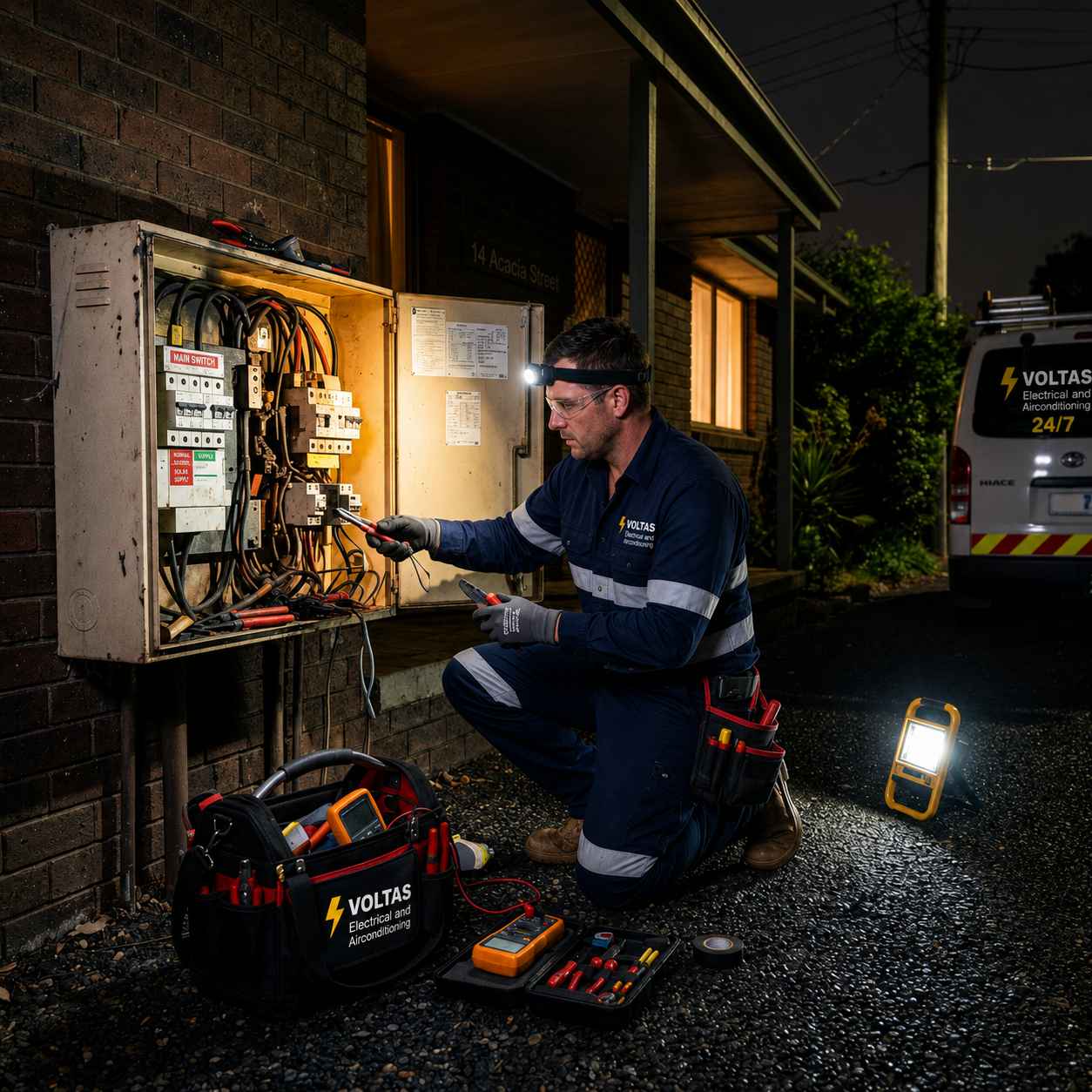
Late January in Adelaide means uniforms, book lists and, in almost every household with school-age kids, a fresh wave of electronics landing in bedrooms and study spaces. A new laptop for high school, a tablet for primary homework, a second monitor for a Year 12 student's desk, plus the everyday phone charger, desk lamp, fan and Bluetooth speaker that were already there. Most of these devices individually draw very little power — the problem is where they all end up plugged in: one power board, on one wall outlet, that was never designed to be the household's central charging station.
Voltas Electrical & Airconditioning is a licensed Adelaide electrical and air conditioning business (BLD 274739 · PGE 265145 · AU 61210), and every January we see the same pattern across South Australian homes — power boards plugged into power boards behind a desk, chargers left hanging off cracked adaptors, and study nooks that have quietly outgrown the number of power points the room was built with. None of it is dramatic on its own, but together it's exactly the kind of everyday overloading that causes a genuine number of preventable household electrical incidents each year. This guide covers what to actually check before term starts.
Why Home Study Spaces Are an Easy Spot for Overload
Most Adelaide homes, particularly older ones in established suburbs, were wired with one or two power points per bedroom, on the assumption of a bedside lamp and maybe a clock radio. That assumption hasn't held for a long time, and it's especially strained in a household with two or three school-age kids each running a laptop, a phone charger, a tablet charger, a desk lamp, and increasingly a small desk fan or bar heater depending on the season. The natural response is to add a power board — and then, when that fills up too, to plug a second power board into the first.
This isn't a criticism of families managing a genuinely higher device count than a house was designed for; it's a description of exactly how overloading happens in practice. A single power board rated at 10 amps can handle a laptop charger, phone charger and lamp without any issue. Add a heater, a printer, or a second board drawing its own load through the same point, and the combined draw on that one circuit and cable starts climbing toward — or past — what it was ever rated to carry.
Powerboard and Charger Basics for Kids' Rooms and Study Nooks
A few habits eliminate most of the real risk without spending anything. Only use power boards and chargers carrying a genuine AS/NZS approval mark — cheap, uncertified imports bought online are a disproportionate source of house fires because their internal components and cut-off protection are often substandard. Never plug one power board into another ("daisy-chaining"); if a desk genuinely needs more outlets than one board provides, that's a sign for a proper power point, not a second board. Keep boards and chargers away from bedding, curtains and clutter, since a fault is far more dangerous with fabric right next to it, and unplug chargers that aren't in active use rather than leaving a charger plugged into the wall with nothing connected overnight, which is generally low-risk with a genuine product but simply not worth the tiny remaining chance with a damaged or cheap one.
It's also worth doing a quick physical check on every charger and cable in a study space before term starts: look for cracked casings, exposed wire at the plug end, or a cable that's been trapped under a desk leg or door for months. Replace anything damaged rather than taping it up — our guide on extension cord and power board safety covers the warning signs of an overloaded circuit in more detail, including what a warm power board or a tripping safety switch is actually telling you.
Study desk relying on a power board stack instead of enough outlets? Let's fix that properly before term starts.
Get a Same-Day QuoteWhen to Add a Dedicated Power Point Instead
The clearest sign a study space needs a real electrical upgrade, rather than another power board, is permanence: if the same board has been sitting under the same desk for months feeding the same set of devices, that's no longer a temporary arrangement — it's a fixed load that deserves a fixed, properly rated point. A licensed electrician can typically add one or two extra double power points to a bedroom or study nook in a single visit, often with USB-equipped outlets built in so phones and tablets can charge without occupying a standard socket at all. This is one of the more affordable electrical installation jobs a homeowner can book, and it permanently removes the overload risk rather than just managing around it.
We see this come up constantly for families in Campbelltown and Magill, where a lot of the established homes have exactly the one-point-per-bedroom wiring described above, now supporting two or three times the device count they were built for. If lighting in the same study space also feels dim or dated for late-night homework, it's often worth combining the visit with our guide on smart switches and lighting upgrades, since both jobs touch the same circuits and can be done together.
Safety Switches, Circuit Capacity and the Bigger Picture
Beyond the study desk itself, back-to-school is a reasonable trigger to check the broader household electrical picture. Under AS/NZS 3000, every power and lighting circuit in a home should be protected by a residual current device (safety switch), which cuts power almost instantly if there's an earth leakage fault — this is the single biggest factor in preventing an electric shock from becoming serious, and older Adelaide homes that haven't had a switchboard upgrade sometimes still have gaps in this coverage. If you're unsure whether your switchboard has full RCD protection, a licensed electrician can check it during the same visit as any new power point installation, and any compliant new circuit work will come with a Certificate of Compliance (eCoC) lodged as required in South Australia.
It's also worth genuinely walking through each bedroom and study space before term one starts: count the devices that will realistically be plugged in at once, check that no board is feeding another board, and confirm every cable is in good condition. For families adding a home office alongside the kids' study needs — increasingly common with hybrid work arrangements — our power point installation guide covers what a typical job costs and how power points are positioned for a desk setup specifically, rather than a general living area.
A Simple Pre-Term Electrical Safety Checklist
Before the first week of term, it's worth running through a short checklist in every bedroom and study space in the house: confirm no power board is plugged into another power board; check every charger and cable for cracking, fraying or exposed wire; make sure boards and chargers sit clear of bedding, curtains and paper clutter; note whether any desk is relying on a board permanently rather than genuinely temporarily; and if in doubt about switchboard safety switch coverage, book a check with a licensed electrical fault-finding and repair visit rather than guessing. None of this takes long, and it's the difference between a study space that's simply well set up and one that's quietly carrying more electrical risk than anyone in the house realises.
Sources referenced include general household electrical safety guidance consistent with AS/NZS 3000 and sa.gov.au, alongside Voltas' own trade experience across Adelaide homes each January.
Frequently Asked Questions
How many devices can safely run off one power board in a kid's bedroom?
There's no fixed device count — what matters is the combined current draw against the power board's rating, usually 10 amps for a standard domestic board. A laptop charger, phone charger, desk lamp and small fan together draw very little, but adding a heater, a second monitor or a printer can push a modest-looking board close to its limit, especially if it's also feeding a second board.
Is it safe to leave phone and laptop chargers plugged in overnight?
A genuine AS/NZS-approved charger left plugged into the wall (even with nothing connected) is generally low risk, but a cheap, uncertified charger or a damaged cable is a genuine fire risk overnight when no one is awake to notice a problem. Buy chargers from reputable retailers, check cables regularly for fraying, and replace anything that feels hot to the touch.
When should I add a new power point instead of using a power board?
If a study desk, bedroom or home office is permanently relying on a power board or extension cord because there simply aren't enough wall outlets, that's the clear signal to have a licensed electrician add one or more dedicated power points instead. It removes the overload risk entirely and is usually a straightforward, same-day job.
Do I need a safety switch (RCD) in a home study space?
Every circuit in a modern Adelaide home should be protected by a safety switch (RCD) under AS/NZS 3000, including power circuits feeding bedrooms and study areas. If your switchboard is older and doesn't have full RCD coverage, a licensed electrician can check it and upgrade it, which is one of the single most effective home electrical safety improvements available.
Get Study Spaces Ready Before Term Starts
Licensed power point installation and electrical safety checks across Adelaide, ready for the new school year.
Disclaimer: This article is provided as general information and guidance only. It draws on publicly available sources, government and industry publications (referenced where relevant), and Voltas Electrical Adelaide's own trade experience — it is not personalised advice for your specific property and does not replace a licensed, on-site assessment. Regulations, pricing, and product or brand details can change over time, so please independently verify anything relevant to your decision and seek your own professional advice before acting. To the fullest extent permitted by law, Voltas Electrical Adelaide accepts no responsibility or liability for any loss, damage, or other outcome arising from reliance on the information in this article. Where this article refers to a same-day or obligation-free quote or assessment, that refers to the quote or assessment itself — a site visit to a property well outside our normal Adelaide metro service area may incur a travel or call-out fee, as set out in our Terms & Conditions, which also has full details on the points above.