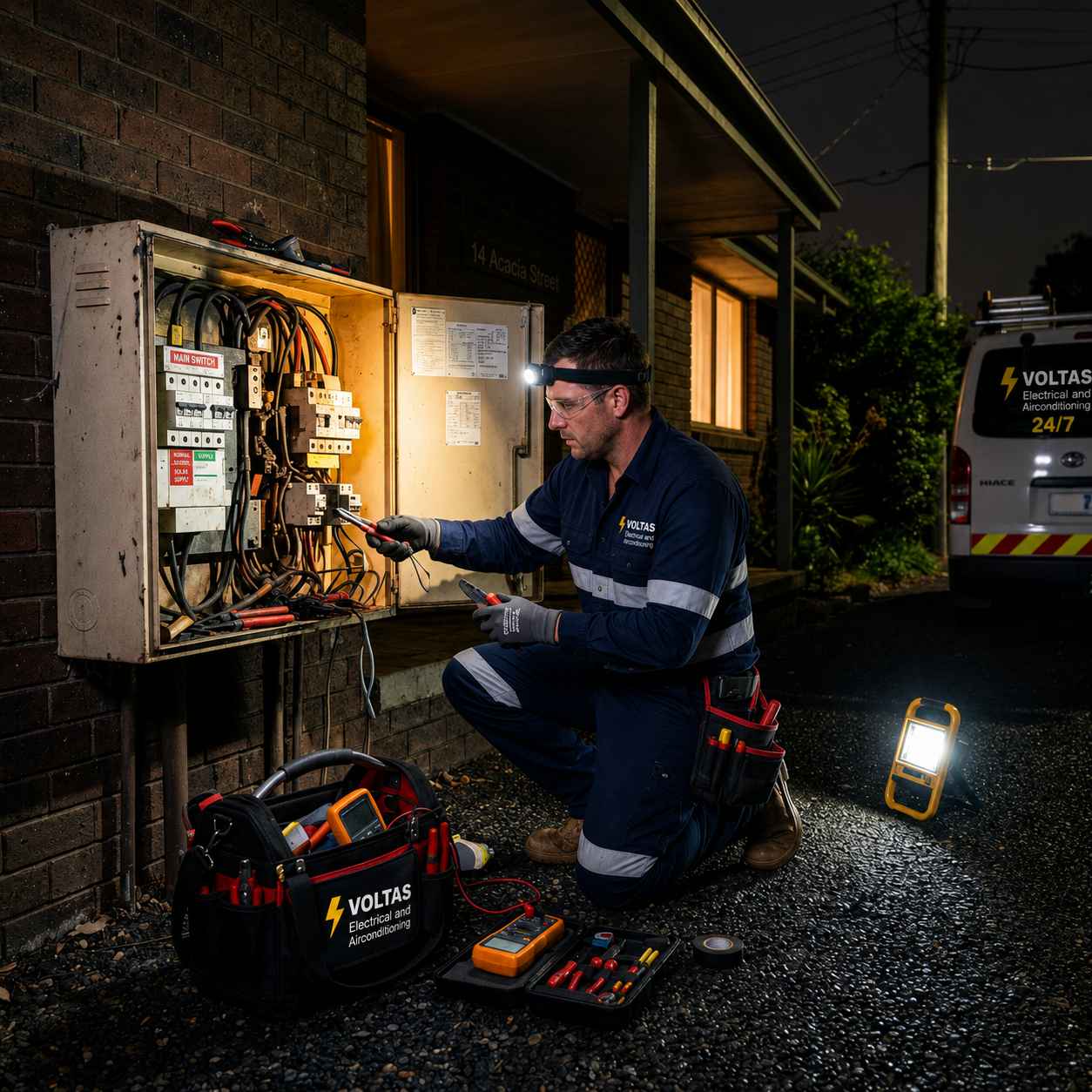
"Smart switchboard" gets used loosely, but the useful version of it is fairly specific: digital circuit breakers or add-on devices that can meter, schedule, and remotely control individual circuits, rather than a standard board that simply protects them. For Adelaide households with solar, a battery, an EV, or just a genuine appetite to understand where their bill is going, that difference in capability is where the actual savings live — not in the fact that it's connected to an app.
As a licensed electrical contractor (BLD 274739 · PGE 265145 · AU 61210) fitting these upgrades across Adelaide switchboards, we treat this as electrical work first and smart-home convenience second — every device still needs to meet AS/NZS 3000 wiring rules and, where it touches solar or battery equipment, sit within Clean Energy Council accreditation requirements for that system. Households often come to us already sold on the idea from a product advertisement, without a clear sense of which specific feature would actually save them money versus which is just a novelty. Here's how households actually get value out of it once it's installed properly.
Turning switchboard features into genuine savings
1. Start with circuit-level monitoring, not automation
Before scheduling or automating anything, get visibility first. A smart switchboard's circuit-level monitoring shows exactly how much each circuit — ducted aircon, hot water, pool pump, EV charger — is actually costing, broken down by time of day, which is the foundation every other tip below builds on. We cover this specific feature in detail in our guide on smart circuit-level energy monitoring.
2. Use smart breakers to schedule your highest-draw circuits automatically
Once you know which circuits use the most energy, smart circuit breakers or timers can be set to run them automatically during cheaper tariff windows — South Australia's middle-of-day solar sponge period is the obvious target — without you needing to remember to flip anything manually each day.
3. Set remote switching for circuits you tend to leave on by accident
App-based remote switching is genuinely useful for the circuits that quietly run longer than intended — a pool pump left on past its schedule, or a hot water boost switch someone forgot to turn off — letting you check and correct it from your phone rather than only at the board itself.
4. Let fault and overload alerts catch problems before they become expensive
Smart circuit monitoring can flag unusual load patterns on a circuit — a sign of a developing fault or a failing appliance — well before it turns into an emergency callout or a damaged appliance. Catching that early is itself a bill-saving feature, just measured in avoided repair costs rather than kilowatt-hours.
Curious what a smart switchboard upgrade would actually look like for your home?
Book an Obligation-Free Assessment5. Pair smart circuit control with solar to boost self-consumption
With the right configuration, a licensed electrician can set specific circuits to preferentially draw from solar generation during the day, which increases how much of your own generation you actually use in the home rather than exporting it back to the grid at a comparatively low feed-in rate.
6. Pair it with a battery to manage charge and discharge intelligently
Where a home battery is part of the setup, smart switchboard integration can help manage when the battery charges from solar versus the grid and when it discharges to cover household load, aimed at minimising expensive peak-period grid import rather than just storing energy generically.
7. Use it for EV charging load management, not just scheduling
Smart circuit control isn't only about picking a cheap time to charge — it can also manage how much current an EV charger draws relative to what else is running in the house at that moment, which matters for staying within your existing supply capacity rather than needing a larger, more expensive supply upgrade just to add a charger.
8. Always use a licensed electrician, never a plug-in smart-home gadget
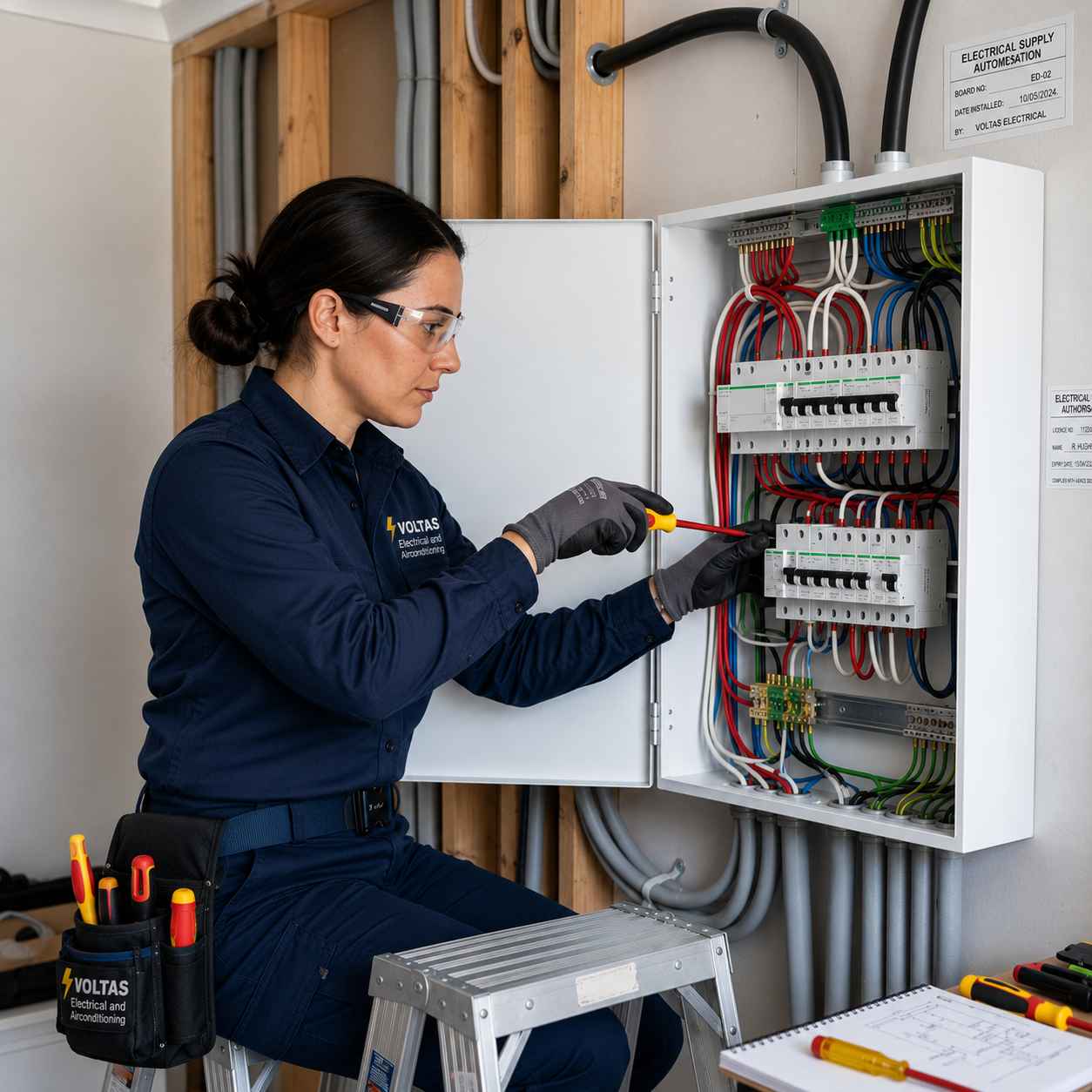
Retail smart-home devices marketed for "energy monitoring" that simply plug into a wall socket are a different, much more limited product to a switchboard-integrated system, and none of the circuit-level scheduling or solar/battery integration above is something to attempt outside a licensed electrician working inside a live switchboard. Our electrical upgrades team handles this as standard switchboard work, to the same compliance standard as any other job.
9. Decide what you actually want before paying for extra capability
Smart switchboard devices range from a simple circuit-level monitor through to full remote-controlled, solar/battery-integrated systems, and the cost climbs with the capability. Before committing, decide honestly whether you want data, automation, or full integration — there's no point paying for automation features you won't actually configure and use.
10. Plan for circuits you don't have yet, not just the ones you do
If solar, a battery, or an EV are on your radar even if not this year, it's worth discussing that with your electrician before a smart switchboard upgrade goes in, so the board has spare capacity and the right device selection to add those circuits later without redoing the work. Our guide on making a switchboard future-proof for EV, solar, and battery covers this planning step in detail, and our primer on how to read your switchboard is a useful starting point if you're not yet familiar with what's already in your board.
11. Use the data to actually change something, not just to watch it
The savings from a smart switchboard come from acting on what it shows you — shifting a circuit's schedule, replacing an appliance the data flags as inefficient, or finally confirming which circuit has been driving a high bill — rather than from the novelty of having live numbers on a phone screen. If the monitoring reveals your usage pattern doesn't suit your current electricity plan, that's also worth revisiting on its own terms.
We fit and configure smart switchboard upgrades for households across Netherby and Glenside, usually alongside a broader solar, battery, or EV charging project where the switchboard is already being opened up for other work. It's also a natural companion to a broader household bill-saving check — see our roundup of 15 ways to lower your power bill for the non-switchboard side of that same goal.
Frequently Asked Questions
What makes a switchboard 'smart' rather than a standard switchboard?
A smart switchboard replaces or supplements standard circuit breakers with digital devices capable of individual circuit metering, remote switching, and scheduling, viewable through an app rather than only at the board itself. A standard switchboard simply protects circuits; a smart one also reports on and lets you control them.
Can a smart switchboard help me get more out of solar or a battery?
Yes — smart circuit-level control lets an electrician set up specific high-draw circuits, such as a pool pump, hot water system, or EV charger, to preferentially draw from solar generation or battery storage during the day, which increases self-consumption instead of exporting that generation at a low feed-in rate.
Is a smart switchboard a DIY smart-home installation?
No. Because it involves working on live circuits inside your switchboard and often integrates with solar, battery, or EV charging infrastructure, a smart switchboard upgrade needs to be carried out by a licensed electrician, not installed as a consumer smart-home gadget.
Ready to get more out of your switchboard?
Our licensed electricians can fit circuit-level monitoring, smart breakers, or full solar and battery integration, sized to what you actually need.
Sources referenced include general Australian industry guidance on smart switchboard and digital circuit breaker technology, and Clean Energy Council accreditation requirements for solar and battery storage installations. This article is general information only — actual configuration depends on your existing switchboard and any solar or battery system already installed.
Disclaimer: This article is provided as general information and guidance only. It draws on publicly available sources, government and industry publications (referenced where relevant), and Voltas Electrical Adelaide's own trade experience — it is not personalised advice for your specific property and does not replace a licensed, on-site assessment. Regulations, pricing, and product or brand details can change over time, so please independently verify anything relevant to your decision and seek your own professional advice before acting. To the fullest extent permitted by law, Voltas Electrical Adelaide accepts no responsibility or liability for any loss, damage, or other outcome arising from reliance on the information in this article. Where this article refers to a same-day or obligation-free quote or assessment, that refers to the quote or assessment itself — a site visit to a property well outside our normal Adelaide metro service area may incur a travel or call-out fee, as set out in our Terms & Conditions, which also has full details on the points above.