A spare bedroom with a small server rack, a NAS unit humming away, a couple of always-on desktops, and a rack-mounted switch has become a genuinely common setup across Adelaide home offices — driven by remote work, self-hosted home labs, and small business owners running their own local infrastructure rather than paying for cloud hosting. What hasn't kept pace in a lot of these rooms is the air conditioning. The split system already installed for the bedroom the room used to be is being asked to do a job it was never designed for, and it usually shows.
We're a licensed Adelaide air conditioning and electrical business (BLD 274739 · PGE 265145 · AU 61210), and this is a sizing conversation we have increasingly often — homeowners who've built out a genuinely capable home server setup and then find the room runs hot, the existing air conditioner short-cycles or can't keep up, or the powerpoints trip under the combined load of everything plugged in.
Why a standard bedroom air conditioner isn't built for this job
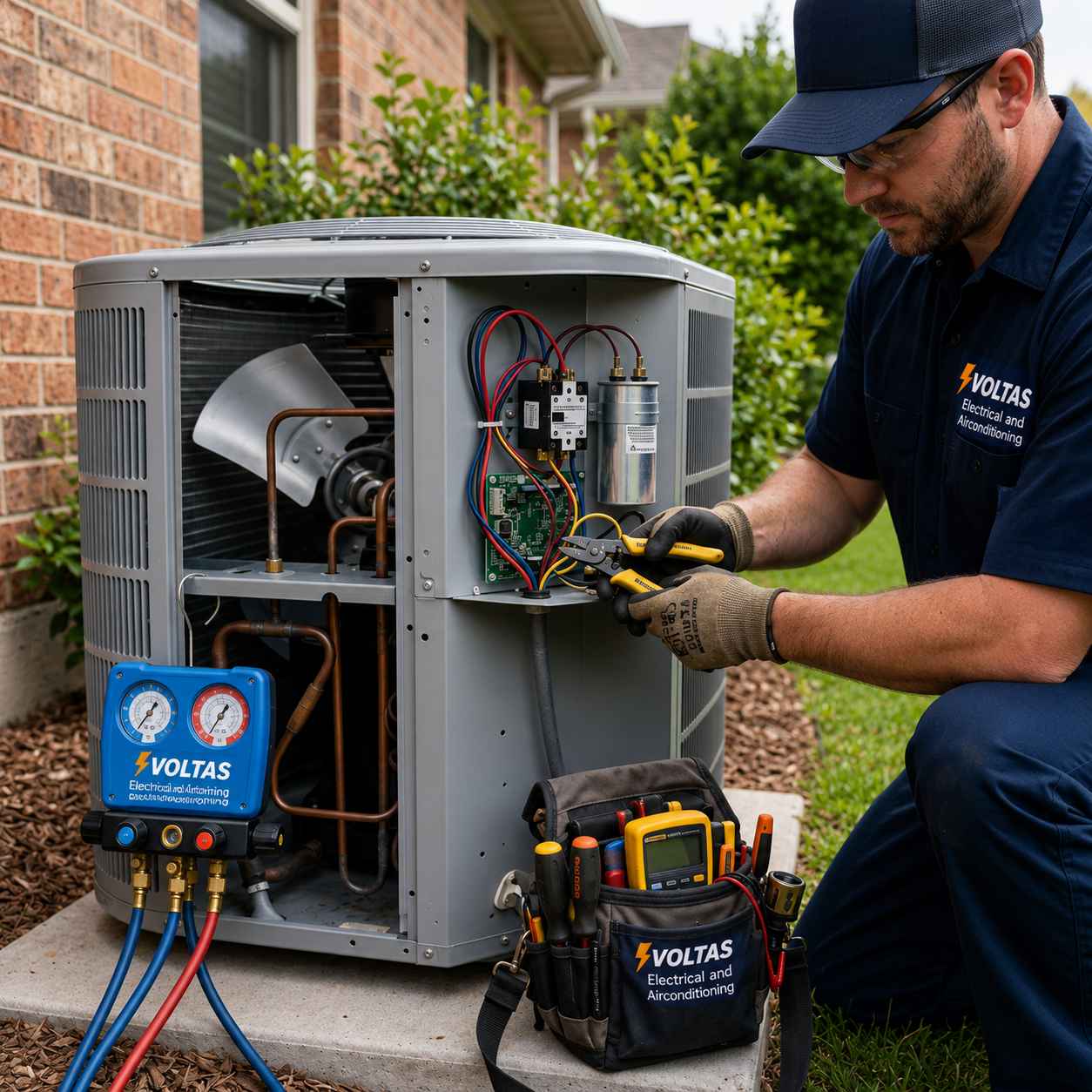
A typical residential split system is sized around what's sometimes called an intermittent, "diversified" cooling load — people moving in and out of the room, sunlight through a window at certain times of day, a TV or lamp running some of the time. The system is designed to reach a set temperature and then cycle off, running perhaps a fraction of each hour rather than continuously, and its components (particularly the compressor) are engineered with that on-off duty cycle in mind.
A home server rack, networking equipment, and multiple desktop computers running continuously produce a completely different kind of load: near-constant heat output, 24 hours a day, every day of the year, entirely independent of whether anyone is in the room or what time it is. Every watt of electricity that server, NAS, or PC draws is, for practical purposes, converted into heat that has to be removed from the room continuously — there's no natural "cycling off" point the way there is with occasional human occupancy. Ask a residential-duty split system to run at or near full output continuously for months on end and it will typically still function, but its components wear faster than they're designed to, it works far less efficiently for the load it's actually facing, and on Adelaide's hottest summer days it commonly can't keep the room anywhere near the temperature range server and networking equipment manufacturers recommend for reliable long-term operation.
Working out the room's actual heat load
Correct sizing starts with a genuinely simple principle: almost all of the electrical energy a piece of computing equipment draws ends up as heat released into the room. A server or PC doesn't "use up" most of its power doing useful work and dissipate only a little as heat — with very few exceptions, essentially all of it becomes heat, whether that's from the processor, the power supply, storage drives, or networking hardware.
In practice this means adding up the continuous electrical draw (in watts) of every piece of equipment expected to run in the room — the server or servers, the NAS, switches and networking gear, any always-on desktop PCs, and their respective power supplies — and treating that combined wattage as the heat load the air conditioning needs to remove, continuously, alongside the room's normal cooling load from outside temperature, sun exposure, and occupants. A handful of consumer-grade towers and a small NAS might only add a modest few hundred watts of continuous heat on top of the room's normal load; a genuine multi-unit rack setup can add several times that. This is also exactly why the load calculation needs to include headroom for equipment you're likely to add later — home labs in particular have a habit of growing — rather than sizing precisely to what's running on day one.
Not sure how much continuous cooling your home server setup actually needs? We can calculate it properly and size a system to match.
Get a Same-Day QuoteChoosing a system built for continuous duty
Once the actual continuous heat load is known, the right air conditioning choice depends on how much heat needs removing and how central the equipment's reliability is to the household. For a modest setup — a few extra always-on PCs and a small NAS, adding a comparatively small continuous load on top of a normal bedroom-sized cooling requirement — a correctly sized, good-quality residential split system, ideally one with a genuinely efficient inverter compressor capable of comfortably sustaining a higher duty cycle, can often do the job reliably if it's sized with the additional load properly accounted for rather than just matched to the room's floor area the way a standard bedroom would be. For a larger, genuinely rack-based setup running meaningful continuous compute and storage load, oversizing purely on the theory that "bigger is always safer" isn't the right answer either — an oversized system can short-cycle inefficiently against a steady, continuous load, so matching capacity to the calculated heat load, with sensible headroom, matters more than simply buying the largest unit available.
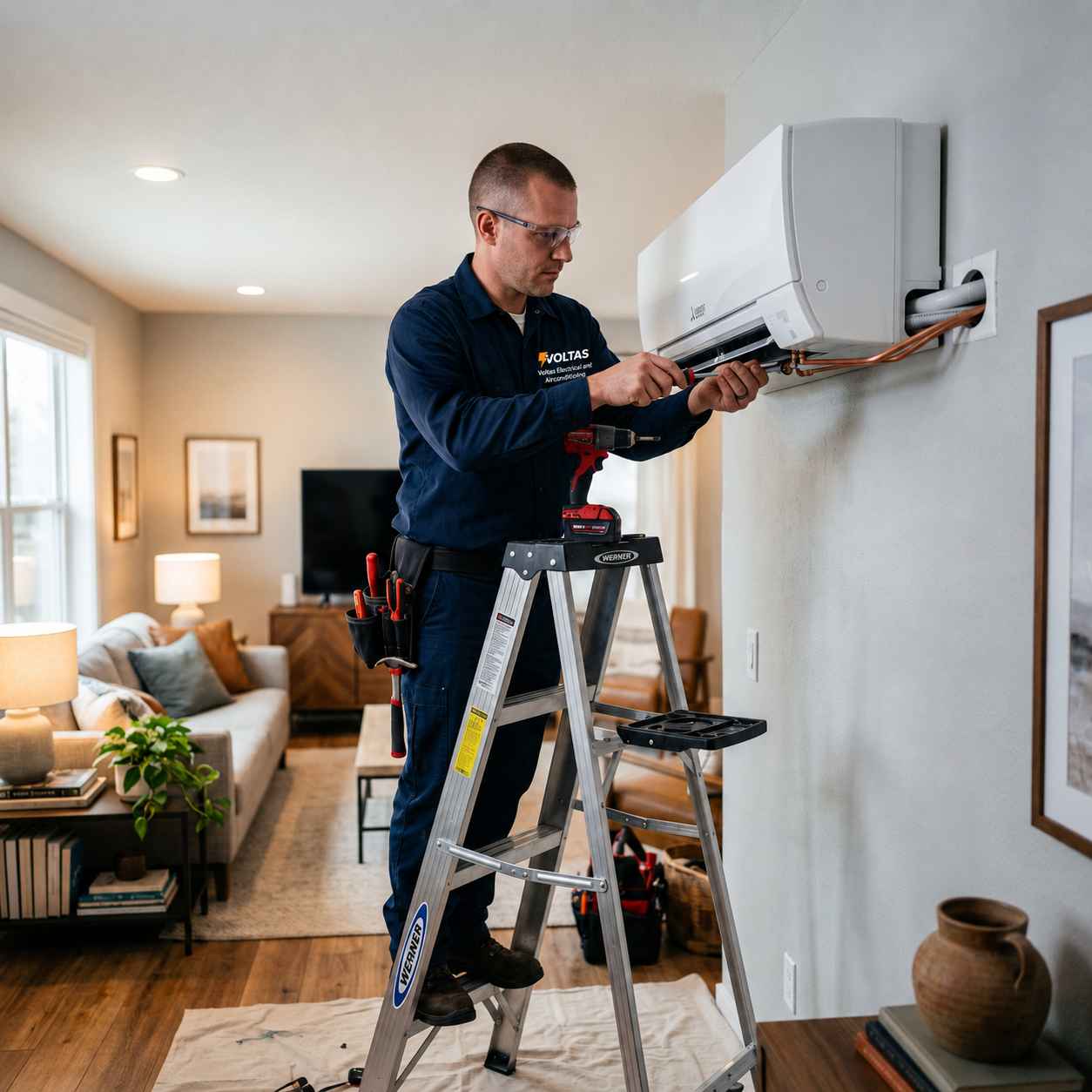
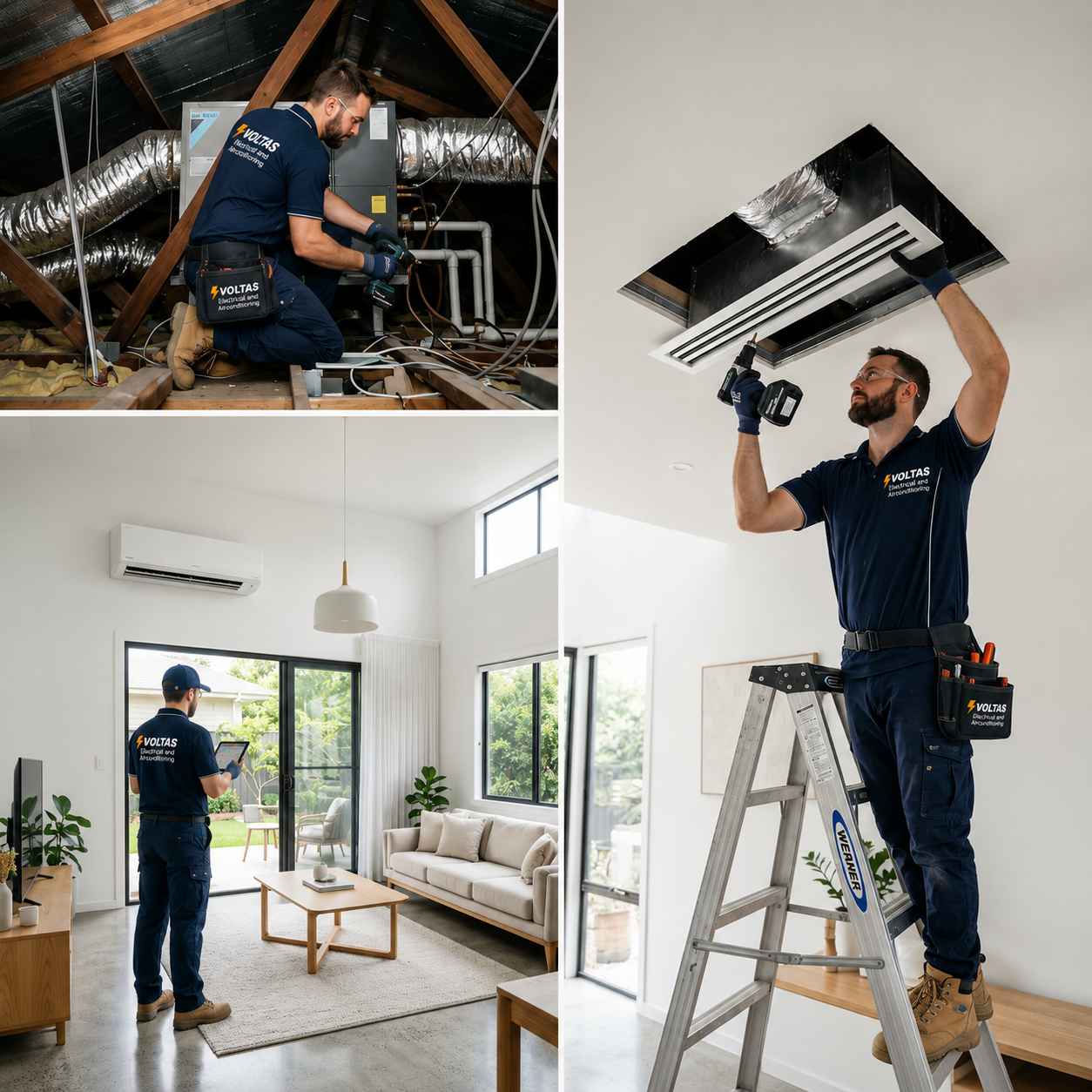
We size and install systems from the major brands used across Adelaide, including Daikin, Mitsubishi Electric, Mitsubishi Heavy Industries, Fujitsu General, Panasonic and the other trusted brands we work with, and our air conditioner installation team can properly assess a continuous-load room rather than quoting it as a standard bedroom job. If this room is also being used for entertainment or media alongside computing gear, our home theatre and media room air conditioning guide is a useful companion read on a related continuous-load challenge, and our multi-zone air conditioning systems guide is worth reviewing if the server room is one of several rooms you're trying to condition efficiently from a shared system.
The electrical side: dedicated circuits for the equipment itself
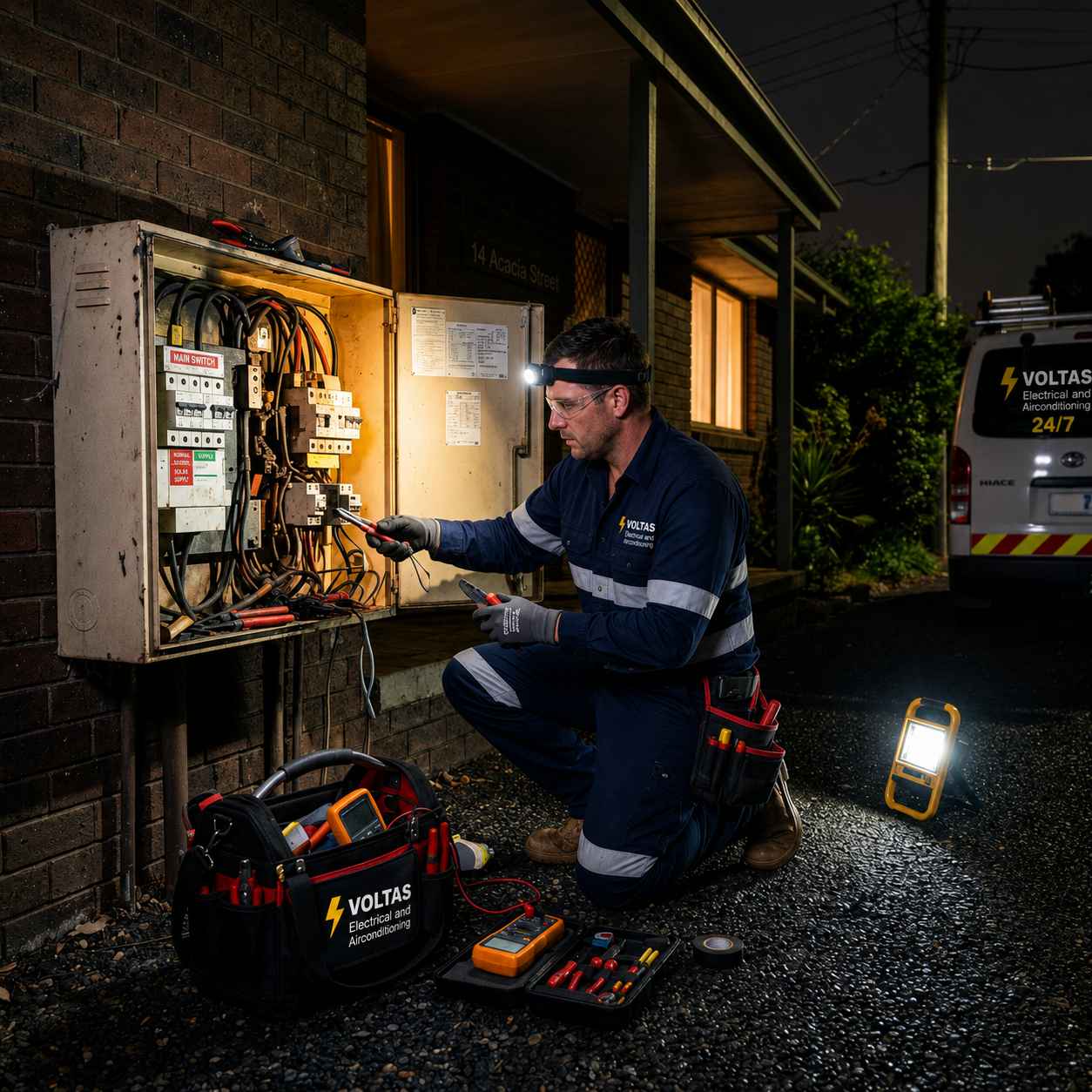
Cooling is only half the equation. A rack of servers, switches, and always-on PCs draws continuous electrical current in its own right, and that load needs to be planned for separately from the air conditioning system's own circuit — running both off the same general power circuit as the rest of the room, or worse, the rest of the house, is a common cause of nuisance circuit breaker trips and, in a genuinely overloaded scenario, a real fire risk from sustained current draw on wiring and powerpoints that weren't designed for it.
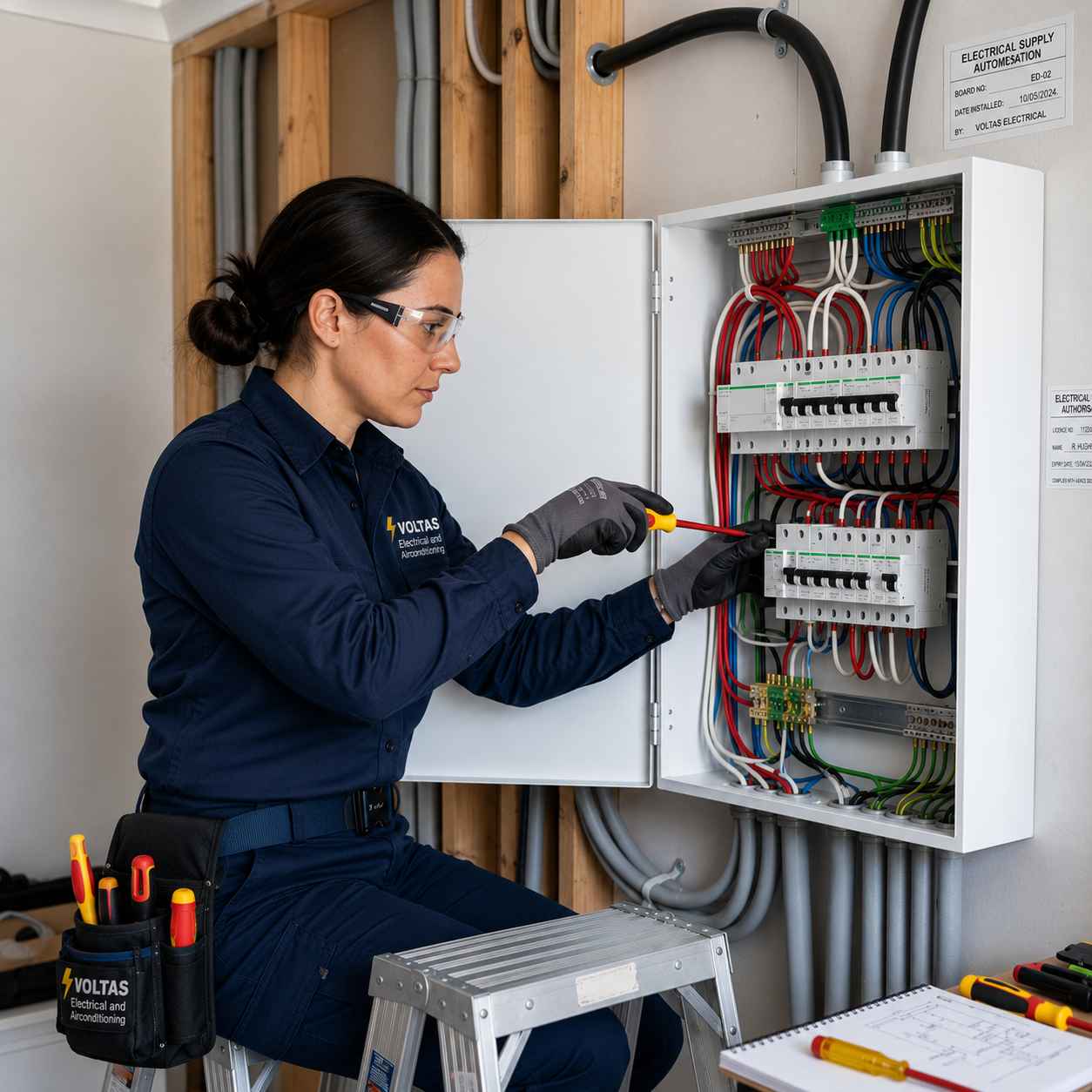
A licensed electrician assessing a home server room typically looks at the combined continuous draw of all the equipment (not just its peak draw at startup), confirms the existing circuit and switchboard capacity under AS/NZS 3000, and installs a correctly rated dedicated circuit for the computing equipment, separate again from whatever circuit feeds the air conditioning unit cooling the room. This separation matters for two reasons: it avoids one overloaded circuit tripping and taking down both the cooling and the equipment it's meant to be protecting at the same time, and it makes diagnosing any future electrical fault in the room far simpler, since a fault clearly sits on one circuit or the other rather than a shared, harder-to-isolate load.
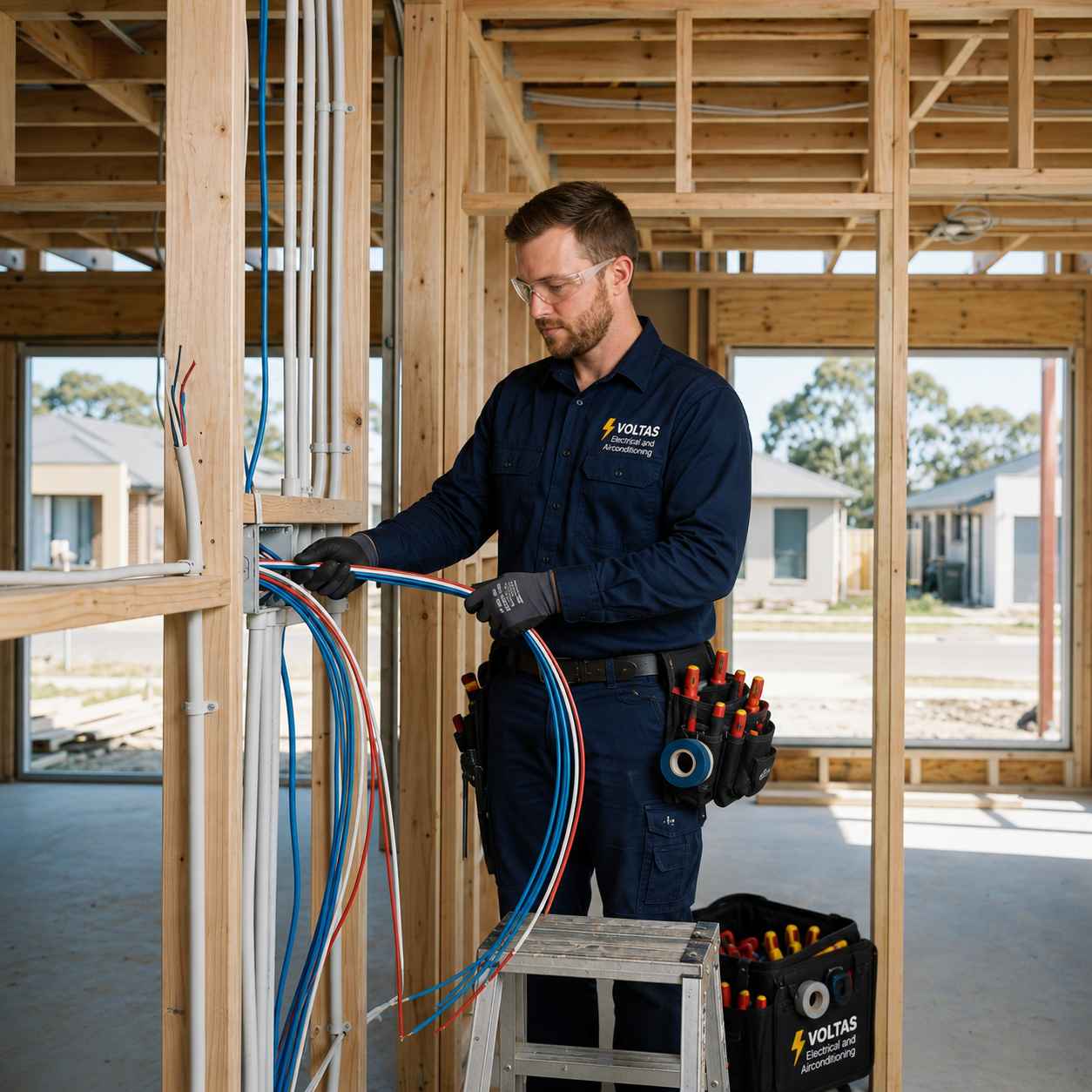
Our new house wiring and diagnostic services teams regularly plan exactly this kind of dedicated-circuit setup for home offices and server rooms across Adelaide, including households in Vale Park and Hampstead Gardens where growing home lab and remote-work setups have become a genuinely common reason for a switchboard and cooling review. If smart monitoring of the room's temperature and equipment status is part of the plan, our smart home air conditioning integration guide covers how remote temperature alerts and app-based monitoring can flag a cooling problem before it becomes an equipment failure.
Frequently Asked Questions
Why can't a standard bedroom split system cool a home server or computer room properly?
A standard split system is sized around a bedroom's occasional, part-time cooling load — mainly people and sunlight through a window — and is designed to cycle on and off as the room reaches a comfortable temperature. A home server rack or multiple always-on computers generate continuous heat, 24 hours a day, regardless of outdoor temperature or time of day, which is a fundamentally different and more demanding load than the same-sized system was ever designed to handle reliably long-term.
How do I size air conditioning correctly for a home server or computer room?
Sizing starts with adding up the continuous electrical draw of every piece of equipment that will be running in the room, since virtually all of that electrical energy is ultimately released as heat. That heat load, converted to a cooling capacity figure, then needs to be matched to a system capable of genuine continuous duty rather than the intermittent cycling a standard residential split system is designed for, with room left for future equipment additions rather than sizing to exactly today's load.
Does a home server room need its own dedicated electrical circuit?
In most cases, yes. Running a server rack, networking equipment, and multiple computers off the same general power circuit as the rest of the house risks nuisance circuit breaker trips and creates a genuine fire risk from a continuously loaded circuit that wasn't designed for that kind of sustained draw. A licensed electrician can assess the equipment's combined continuous load and install a correctly rated dedicated circuit, separate from the room's general power points and separate again from the air conditioning system's own circuit.
Get Your Home Server Room Properly Sized
We'll calculate the real continuous heat load and plan both the air conditioning and the dedicated power circuit around it.
Sources referenced include ASHRAE TC 9.9 thermal guidelines for data processing environments and AS/NZS 3000 (Australian/New Zealand Wiring Rules) for dedicated circuit and switchboard capacity requirements. A small business running a server room at commercial scale needs to think about redundancy too — see our guide on cooling redundancy for a small business server room.
Disclaimer: This article is provided as general information and guidance only. It draws on publicly available sources, government and industry publications (referenced where relevant), and Voltas Electrical Adelaide's own trade experience — it is not personalised advice for your specific property and does not replace a licensed, on-site assessment. Regulations, pricing, and product or brand details can change over time, so please independently verify anything relevant to your decision and seek your own professional advice before acting. To the fullest extent permitted by law, Voltas Electrical Adelaide accepts no responsibility or liability for any loss, damage, or other outcome arising from reliance on the information in this article. Where this article refers to a same-day or obligation-free quote or assessment, that refers to the quote or assessment itself — a site visit to a property well outside our normal Adelaide metro service area may incur a travel or call-out fee, as set out in our Terms & Conditions, which also has full details on the points above.