Video doorbells and DIY-friendly security cameras have made home monitoring feel like a weekend project rather than a trade job — and for a battery-powered doorbell or a single WiFi camera on an existing power point, it genuinely can be. But the moment you want a hardwired doorbell that uses your existing chime, or a proper multi-camera system with reliable footage and no monthly subscription, you run into wiring realities that the glossy unboxing videos skip straight past.
We get called out across Adelaide almost every week for exactly this: a homeowner has bought a video doorbell, followed the app's instructions, and ended up with either a doorbell that won't power on, a chime that no longer rings, or a video feed that drops out constantly. As a licensed electrical contractor (BLD 274739 · PGE 265145 · AU 61210), this is squarely electrical work once it touches your existing wiring or the switchboard, and getting the groundwork right the first time avoids a damaged doorbell, a dead chime, or a camera system that never quite performs the way it should.
Why a hardwired video doorbell doesn't just "plug in" to old wiring
A hardwired video doorbell draws its power from your home's existing low-voltage doorbell circuit — a small transformer, usually sitting at or near the switchboard or inside a wall cavity, that steps mains voltage down to a safe low voltage for the doorbell and chime. Most current-generation video doorbells need somewhere in the range of 16 to 24VAC to run properly and keep their video and Wi-Fi features powered continuously, with many manufacturers specifying a minimum transformer rating (commonly around 40VA) to reliably drive both the doorbell and an in-home chime at the same time.
The problem is that a huge number of Adelaide homes — particularly anything built from the 1960s through to the 1990s — have an original doorbell transformer rated well below that, often in the 8-12VAC range, sized just to trigger a simple mechanical chime. Plug a modern video doorbell into that circuit and one of a few things happens: it doesn't power on at all, it runs but constantly restarts or drops offline, or in some cases it draws enough current to damage the old transformer or chime unit entirely.
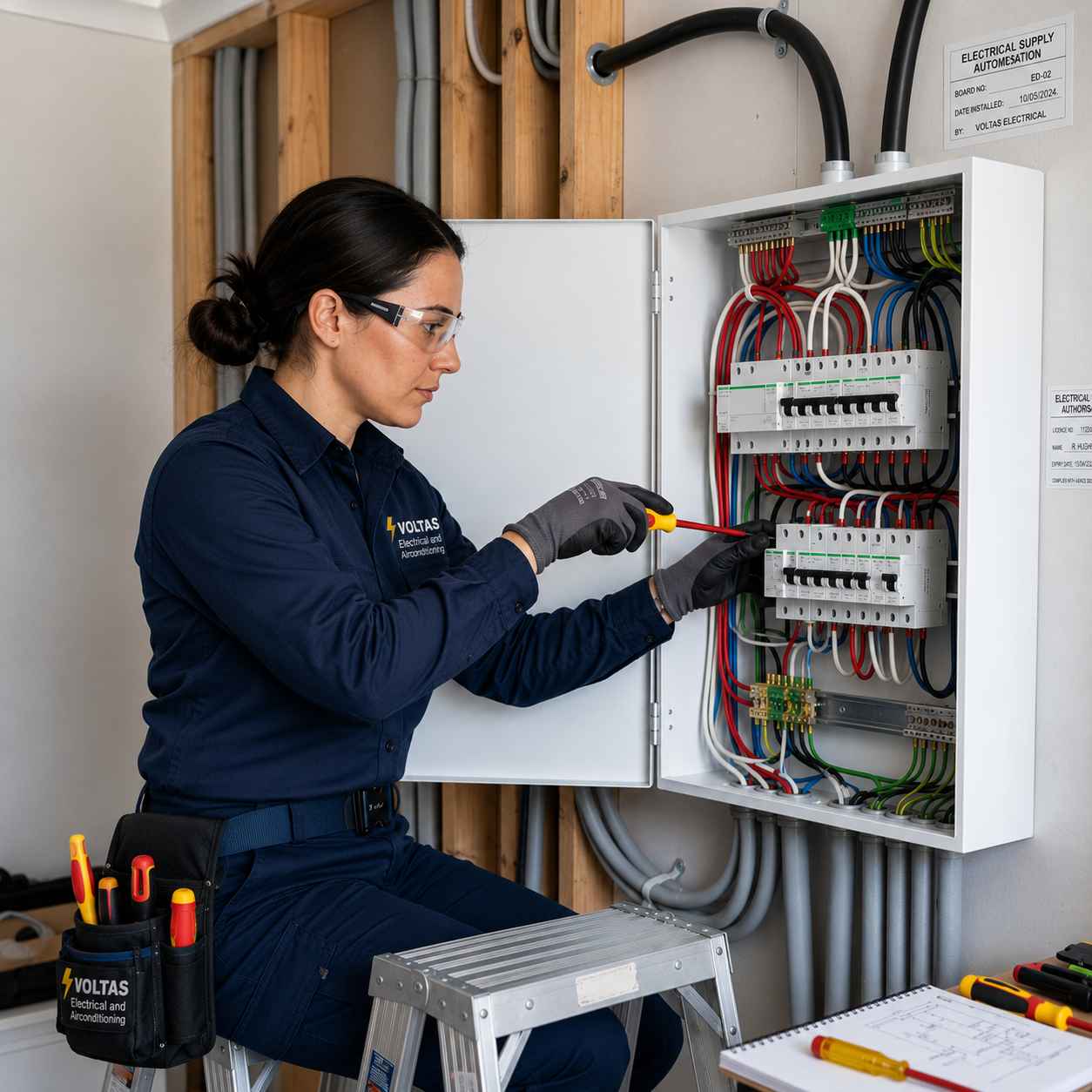
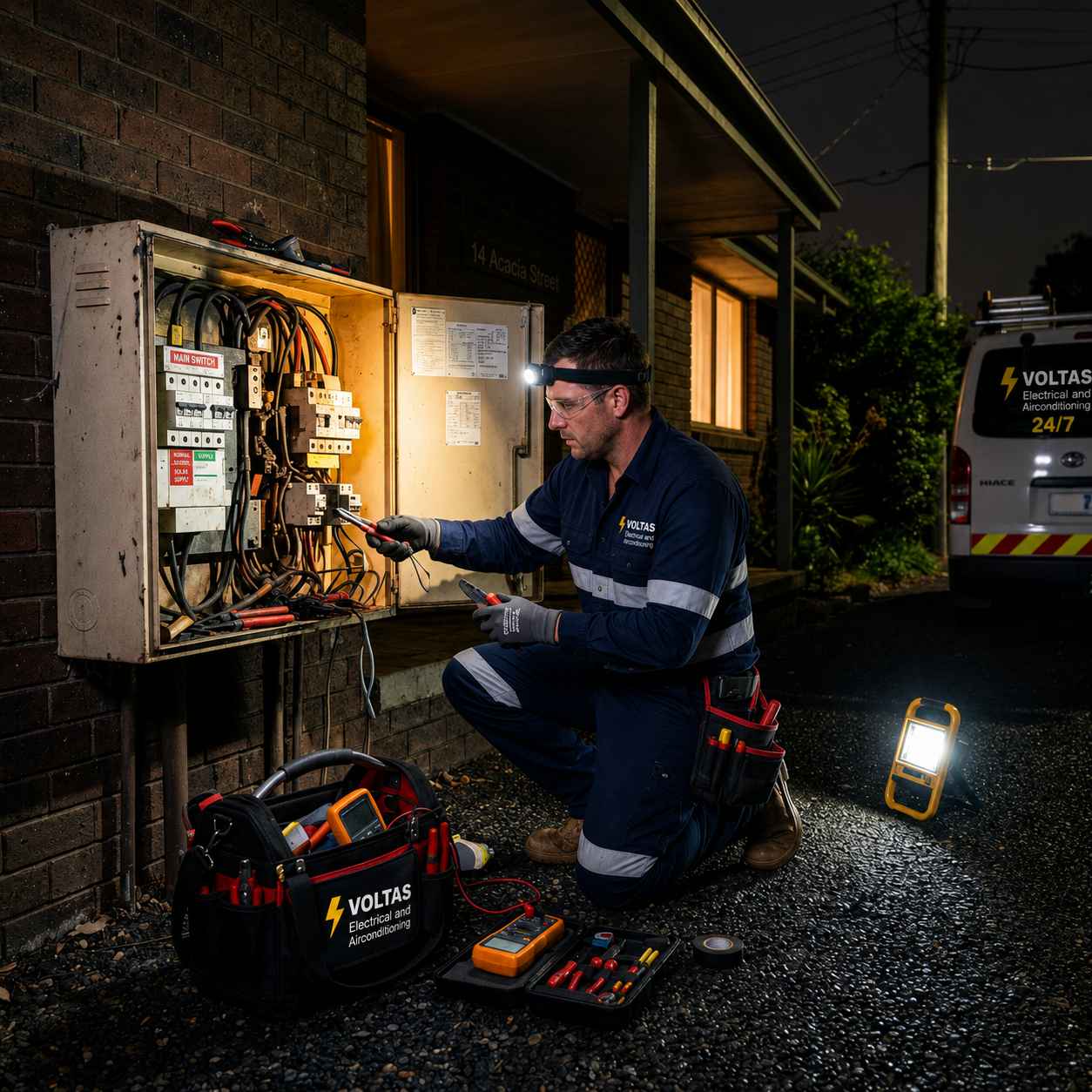
The fix is straightforward for a licensed electrician but is genuinely electrical work: fitting a compatible transformer at the switchboard (or replacing the existing one with a correctly rated unit), confirming the chime box itself can handle the doorbell's power draw, and testing the full circuit before the doorbell goes live. This is also the point where it's worth deciding whether you want your existing physical chime to keep working alongside the doorbell's app notifications — some setups support both, others need a dedicated smart chime unit instead, and that decision affects exactly what gets wired where.
Doorbell won't power on, or the chime's gone silent since you installed it? We can test and correctly wire your existing transformer circuit.
Get a Same-Day QuotePowering security cameras where there's no nearby power point
The second common snag is placement. The best position for a security camera — a high eave corner covering a driveway, a side gate, or the back of a block — is almost never where a power point conveniently exists. Running an extension lead outdoors, or relying on a weatherproof plug adaptor, isn't a safe or compliant long-term solution for a fixed exterior camera, and it tends to fail (or get chewed through by weather and wildlife) well before the camera does.
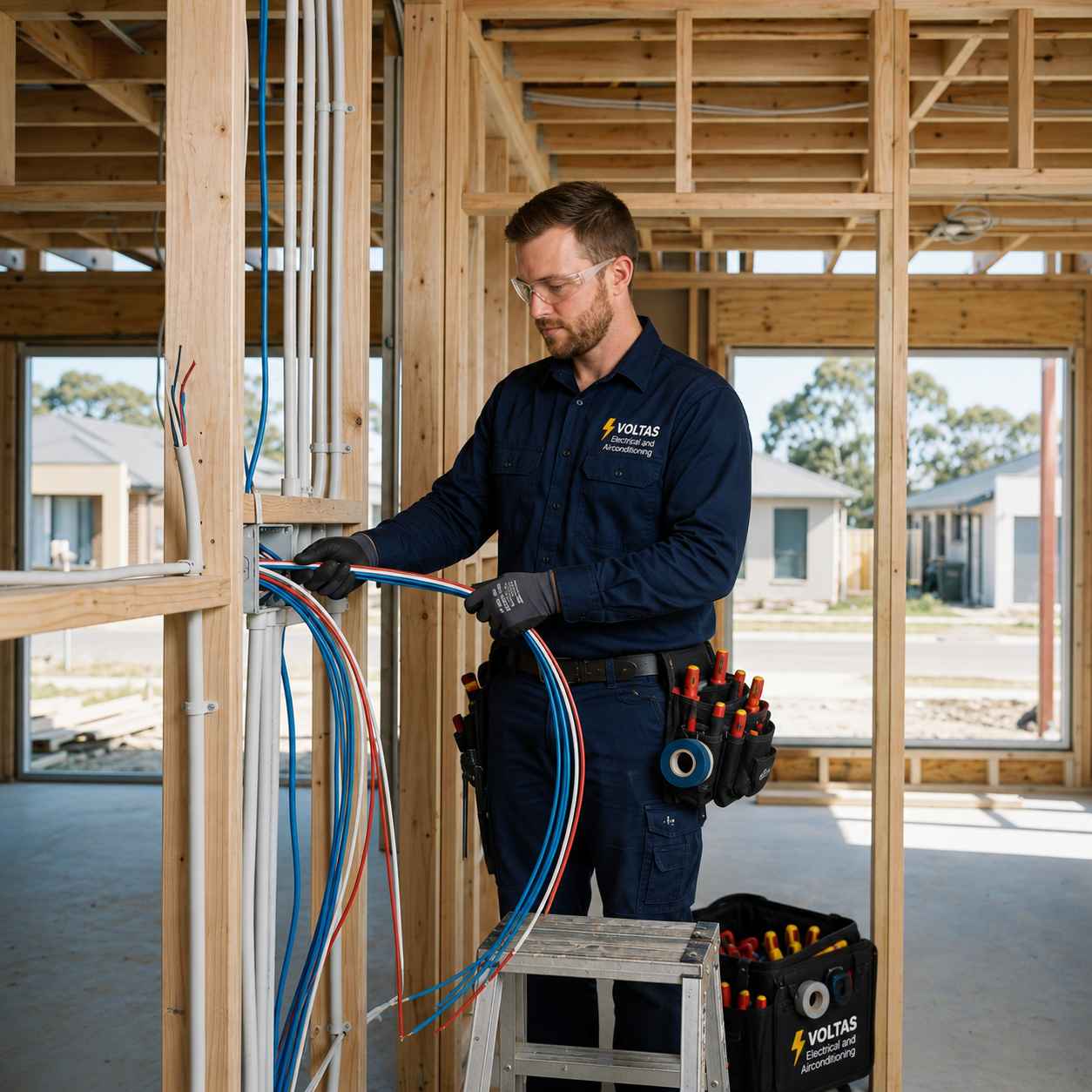
The proper approach is a dedicated cable run from the switchboard, or from an existing accessible circuit, out to a weatherproof power point or junction at the camera's mounting location. For a single camera or two, this is often a modest job for an electrician already on site for other work. For a full multi-camera system, it's worth planning the cable runs as a single project rather than adding cameras one at a time, since access through roof space, eaves, and wall cavities is far easier to do once than to repeat for each new camera.
PoE and NVR systems versus WiFi cameras: what actually differs
Once you're beyond a single doorbell or one camera, the real decision is between a WiFi-based camera system and a wired PoE (Power over Ethernet) system feeding a central NVR (network video recorder).
- WiFi cameras are quick to install, need no dedicated cabling beyond power, and suit a single camera, a rental property, or a temporary setup. Their downside is a dependency on your home Wi-Fi's range and stability at every camera location — a camera at the back fence is often the weakest signal spot in the house — and most rely on a cloud storage subscription to keep more than a few hours of footage.
- PoE cameras run a single Ethernet-style data cable back to a central NVR, and that same cable carries both power and video data, so there's no separate power point needed at each camera at all. Because the connection is wired rather than wireless, it isn't affected by wireless interference, distance from a router, or other devices competing for bandwidth, and footage is stored locally on the NVR's own hard drive rather than a monthly cloud plan.
The trade-off is installation effort: PoE cabling needs to be planned and run through roof space or wall cavities to each camera location, which is a more involved job than mounting a WiFi camera and connecting it to your router. For most Adelaide homeowners after genuinely reliable, always-on coverage across several fixed points — rather than one ad hoc camera — a properly cabled PoE/NVR system is the better long-term investment, and it's the same category of structured cabling work we cover in more depth in our data cabling and smart home wiring guide.
Planning it alongside your home's other smart and electrical upgrades
Doorbells and cameras are rarely installed in isolation from everything else happening at the switchboard and around the home's wiring. If you're already having electrical installation work done — a renovation, a new power point run, or additional circuits — it's worth flagging any doorbell or camera plans at the same time, since running low-voltage or PoE cabling alongside other planned cable runs is far more efficient than a separate callout later.
It's also worth thinking about how a video doorbell and camera system sits alongside other smart-home additions. If you've already looked at smart switches for lighting, or you're planning new power point installations as part of a broader upgrade, a camera and doorbell system fits naturally into that same conversation about what's wired where and how it's all going to work together.
Homeowners across Linden Park and Glenunga — areas with a real mix of character-era homes and newer builds — are among the most common callouts we get for exactly this kind of upgrade, because older transformer circuits are common but the demand for modern doorbells and camera coverage is just as high as anywhere else in Adelaide.
Frequently Asked Questions
Will a hardwired video doorbell work with my existing doorbell wiring?
Only if your existing transformer supplies a compatible voltage, typically in the 16-24VAC range, and your chime box can handle the doorbell's power draw. Many older Adelaide homes have a lower-voltage or bell-style transformer that isn't compatible, in which case an electrician needs to fit a proper compatible transformer at the switchboard before the doorbell will work reliably.
Do I need an electrician to install a video doorbell?
A battery-powered video doorbell can usually be self-installed with no wiring involved. A hardwired doorbell that needs a new or upgraded transformer, or any work at the switchboard or existing doorbell circuit, is electrical work and should be carried out or checked by a licensed electrician to stay compliant and avoid damaging the doorbell or chime.
What's the difference between PoE security cameras and WiFi cameras?
PoE (Power over Ethernet) cameras receive both power and data over a single cable run to a central NVR (network video recorder), giving a stable, interference-free connection and local storage without ongoing subscription fees. WiFi cameras are quicker to install with no cabling but depend on wireless signal strength, can struggle at range from the router, and often rely on cloud storage subscriptions.
Can I add a security camera where there's no nearby power point?
Yes — an electrician can run a dedicated cable back to a switchboard-fed power point or PoE switch, which is the standard approach for eaves-mounted or freestanding cameras away from existing circuits. This avoids relying on extension leads or weatherproof adaptors, which aren't a compliant long-term solution outdoors.
Ready to wire your doorbell or camera system properly?
Our licensed team handles transformer upgrades, camera power runs, and full PoE cabling across Adelaide.
Sources referenced include manufacturer technical documentation on hardwired video doorbell transformer and chime compatibility (Ring, Blink) and general industry guidance on PoE versus WiFi security camera system design for Australian homes. This article is general information only — always check your specific doorbell or camera manufacturer's installation requirements alongside professional electrical advice. A smart lock raises similar power and backup considerations at the same front door — see our guide on wiring and power considerations for keyless entry and smart locks.
Disclaimer: This article is provided as general information and guidance only. It draws on publicly available sources, government and industry publications (referenced where relevant), and Voltas Electrical Adelaide's own trade experience — it is not personalised advice for your specific property and does not replace a licensed, on-site assessment. Regulations, pricing, and product or brand details can change over time, so please independently verify anything relevant to your decision and seek your own professional advice before acting. To the fullest extent permitted by law, Voltas Electrical Adelaide accepts no responsibility or liability for any loss, damage, or other outcome arising from reliance on the information in this article. Where this article refers to a same-day or obligation-free quote or assessment, that refers to the quote or assessment itself — a site visit to a property well outside our normal Adelaide metro service area may incur a travel or call-out fee, as set out in our Terms & Conditions, which also has full details on the points above.